
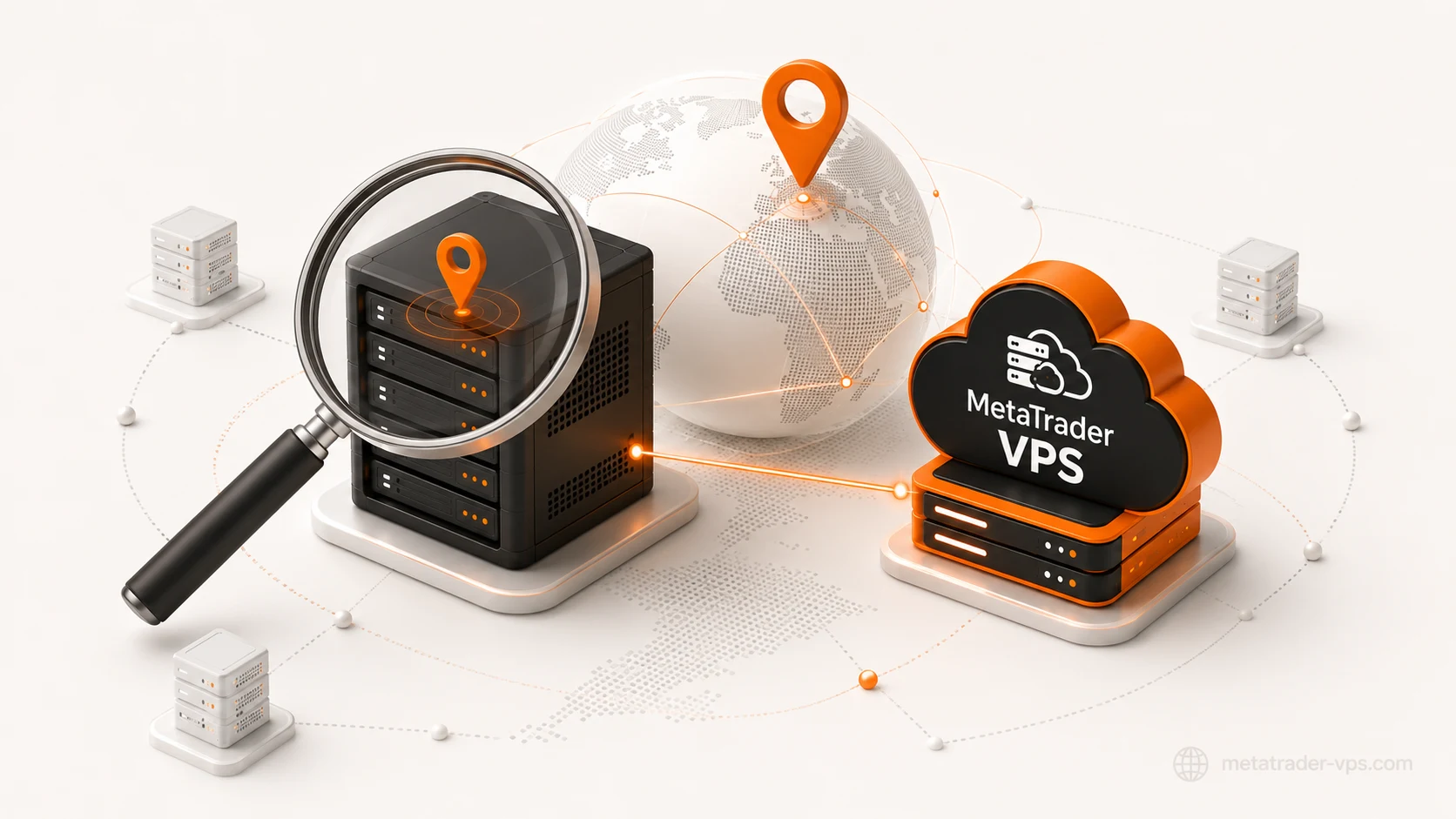
If you trade with an Expert Advisor, or you've ever wondered why your fills feel a beat slow, the first real question isn't "how fast is my internet" -- it's where does my broker's trading server physically sit, in the real world, right now. Most traders never find out. They see a server name like ExnessReal18 or ICMarketsSC-Live02 and assume that's basically an address. It isn't. It's a login label a broker chose for its own bridge infrastructure, and it can genuinely point at several physical addresses in several countries depending on how their backend is built.
This is the actual method -- server name to IP, IP to real location, and the two separate ways that last step can lie to you.
Why this is worth doing before you touch anything else
Every millisecond your order spends traveling between your terminal and your broker's matching engine is a millisecond of price movement you're exposed to but not acting on. That's true whether you trade manually or run an EA. The size of the effect depends on your strategy -- it's close to irrelevant for a swing trade held for days, and it's the entire game for a scalper or a news-EA competing for fills in the same few hundred milliseconds as everyone else on that server. Either way, you can't reason about it at all until you know where "there" actually is. Guessing based on your broker's head-office country, or trusting a free geolocation tool that's wrong about cloud IP ranges specifically, means every downstream decision -- which VPS region to rent, whether it's even worth optimizing -- is built on a number that might be off by a continent.
Why the server name isn't the location
A broker's "trading server" is rarely one machine in one datacenter. Large brokers run regional bridge servers -- Equinix London for European clients, a Hong Kong node for Asia, sometimes a US or Middle East node for everyone else -- all reachable under the same server name in your terminal's server list. Your specific login gets routed to whichever regional node the broker's backend assigns you, and that assignment isn't always visible from the client side.
A real, current example makes this concrete. One broker server we've indexed, NoLimitMarkets-Live, currently resolves to detected addresses in Sofia, Wattrelos, Limburg an der Lahn, and Tehran -- spanning Bulgaria, France, Germany, and Iran simultaneously. Same login name, four countries. If you looked this up once and got "Germany," you'd have been right for some traders connecting through that name and wrong for others. You can see the full, live breakdown on that server's page -- it's a real example we keep public specifically because it's the clearest illustration of this problem.
This is why "my broker is headquartered in Cyprus, so their server is in Cyprus" is a category error. The company's registered office, its regulatory jurisdiction, and its actual trade-execution infrastructure are three different things that happen to share a logo.
Step 1: Get the real IP, not the label
You need the actual IP address your terminal connects to for live trading, not the marketing name.
- Check the terminal's own connection log. In MT4/MT5, the Journal (and Experts) tab logs the connection sequence on login, typically including the resolved IP and port for the trade server. Scroll back to the moment you connected.
- Watch the OS network connections while the terminal connects. On Windows, open Resource Monitor (
resmon) or runnetstat -anoin a terminal right after launching MT4/5 and logging in, then match the PID toterminal.exe/terminal64.exe. Whatever remote IP:port shows up as ESTABLISHED is the real answer -- this method doesn't depend on any particular terminal build's logging behavior, so it's the one to trust if the Journal tab is ambiguous. - Ask the broker directly. Many brokers will confirm the server IP/port for your specific account on request, since it's operationally necessary information, not a secret.
Do this at different times of day if you can. If the IP changes, that confirms you're being load-balanced across regional nodes -- which is exactly the multi-country situation above.
If you want certainty rather than a log line you're trusting to be complete, a packet capture (Wireshark, filtered to the terminal's process, running for the few seconds around login) will show you the TCP handshake to the trade server directly -- source IP, destination IP, port, no interpretation required. This is more setup than most traders need, but it's the ground-truth method if a Journal log ever looks ambiguous or a broker's bridge is doing something unusual with connection routing.
Why even a "good" IP-geolocation tool still gets this wrong
It's tempting to skip the WHOIS/ASN nuance and just paste the IP into a geolocation lookup site and trust the city it returns. The problem is structural, not a matter of picking a better tool: commercial IP-geolocation databases are built primarily from network-registration data and traffic-inference heuristics, and both of those break down specifically on the IP ranges cloud and hosting providers use -- which is to say, specifically on the ranges broker infrastructure runs on.
Concretely: an IP that WHOIS's back to AMAZON-02 could physically be serving traffic from Frankfurt, São Paulo, Mumbai, Tokyo, or more than two dozen other AWS regions worldwide. The ASN name tells you "this is AWS," which is genuinely useful -- it tells you the kind of infrastructure and roughly the tier of network you're dealing with -- but it cannot tell you which AWS region on its own, and neither can most free geolocation lookups, which frequently just report the address on file for the ASN's registration rather than doing real region-level inference. The same ambiguity exists for Alibaba Cloud, Microsoft Azure, and every other multi-region cloud provider a broker might use, which collectively account for the large majority of the broker server infrastructure we've mapped across our own directory.
This is precisely why measurement (Step 3) is not an optional extra step -- it's the only part of this process that's actually grounded in physical reality rather than a database's best guess.
Step 2: Understand why a plain WHOIS lookup gets it wrong
Once you have the IP, the obvious next move is a WHOIS lookup. This is where most self-directed research goes wrong, for a specific, structural reason: WHOIS records the IP block's registrant, not the datacenter that IP is physically racked in.
A block of IP addresses run by Amazon Web Services will WHOIS back to Amazon's corporate registration, generally showing a US address, regardless of whether that specific IP is actually serving traffic out of eu-west-1 (Ireland), ap-southeast-1 (Singapore), or anywhere else AWS operates. The registrant is one legal entity; the physical rack is wherever that entity's cloud region happens to be. Big financial-hosting providers have the same issue in the other direction -- a WHOIS hit for a UK-registered financial-colo operator doesn't tell you whether that specific IP is in London, Chicago, or Tokyo; the same operator runs infrastructure in all three.
WHOIS is still useful for one thing: identifying who operates the network, via the Autonomous System number attached to the IP. Bulk AS lookups (we use Team Cymru's IP-to-ASN mapping service for this at scale) will tell you whether an IP sits on general-purpose cloud infrastructure (AWS, Alibaba, Azure, OVH, Hetzner) or on a specialist financial-connectivity network (Beeks Financial Cloud, IPTP, Liquidity Connect, PrimeXM) -- which is a real, meaningful signal about what kind of latency environment you're dealing with. It just isn't a street address.
Step 3: Use ping and traceroute as the real-world check
Because geolocation databases (the free and paid IP-to-city lookup services) are built from a mix of self-reported registration data and inference, they're routinely off by a country for cloud and CDN ranges specifically -- the exact ranges most broker infrastructure runs on. The fix isn't a better database; it's measuring the network directly.
Run a traceroute to the broker's server IP from wherever you're considering putting a VPS, or from a few different vantage points if you have access to them (a cheap VPS trial in two or three regions is enough). Two things tell you more than any database:
- Raw round-trip time. Physics doesn't lie about distance the way a registration record can. A sub-5ms round trip effectively rules out anything but the same metro area.
- The hop path. The hostnames of the last few hops before the destination frequently reveal the actual facility (colocation providers commonly bake datacenter codes into reverse-DNS names on their edge routers), even when the WHOIS record for the IP block itself is uninformative.
This is the same reasoning behind why our own broker VPS directory doesn't rely on IP-geolocation databases either -- distances are computed from verified coordinates we've confirmed server-by-server, and for a growing subset of servers we replace that estimate with a real measured TCP round-trip once we have one on file (visible directly on each server's page, and tracked network-wide on our live status page). Same principle, done at scale so you don't have to run it yourself for all 8,396+ servers we've already mapped.
Putting it together
- Get the real IP your terminal connects to (Journal log or
netstat, not the server name). - Run WHOIS/ASN lookup to identify the network operator -- commodity cloud vs. financial colo.
- Traceroute or ping-test from candidate locations to get a real distance signal, since IP geolocation databases are unreliable for exactly the cloud/CDN ranges broker infrastructure runs on.
- Cross-check against multiple connection times, since one server name can genuinely front more than one physical location.
- Or search your broker's server name in our directory -- if we've already indexed it, this whole process is done, with the real measured or verified-distance answer and a live price for the matching VPS region attached.
FAQ
Does my broker's registered company address tell me where its trading server is? No. A broker's legal/registered address is a regulatory fact about the company. Its trading server's physical location is an infrastructure fact about a specific IP address, and the two are frequently in different countries entirely.
Can I just ping my broker's website to check latency? No. A broker's marketing website is almost always hosted on completely different infrastructure (often a CDN) than its MT4/MT5 trade execution servers. Only a ping/traceroute to the actual trade-server IP is meaningful.
Is a VPN a substitute for finding the real server location and hosting near it? No, and it can actively hurt. A VPN adds an extra network hop between you and the broker's server -- it routes your traffic through the VPN provider's infrastructure first, which adds latency, it doesn't remove any. It changes what your origin looks like; it doesn't move you physically closer to the destination.
Why do some broker server names resolve to multiple countries at once?
Because the "server name" is a login label for the broker's regional bridge network, not a single machine. Large brokers route different clients to different regional nodes under the same name for capacity and redundancy reasons -- see the NoLimitMarkets-Live example above for a real, current case spanning four countries.